

It is late September, and your board wants next year’s plan on the calendar before Thanksgiving. So FP&A opens the annual workbook.
Actuals sit in one file.
Headcount sits in another.
The revenue drivers live in a Slack thread from August that three people still argue about.
The P&L is forty tabs, and every time a driver moves, someone rebuilds the bridge by hand.
Budget season is when that workbook becomes the job.
Your job stops being deciding and becomes rebuilding.
Finance gets stuck in the loop.
By the time the exec pack is ready, two drivers move and the YoY bridge is stale again.
This is the path most teams are still on.
So I built Annual-Budget.skill
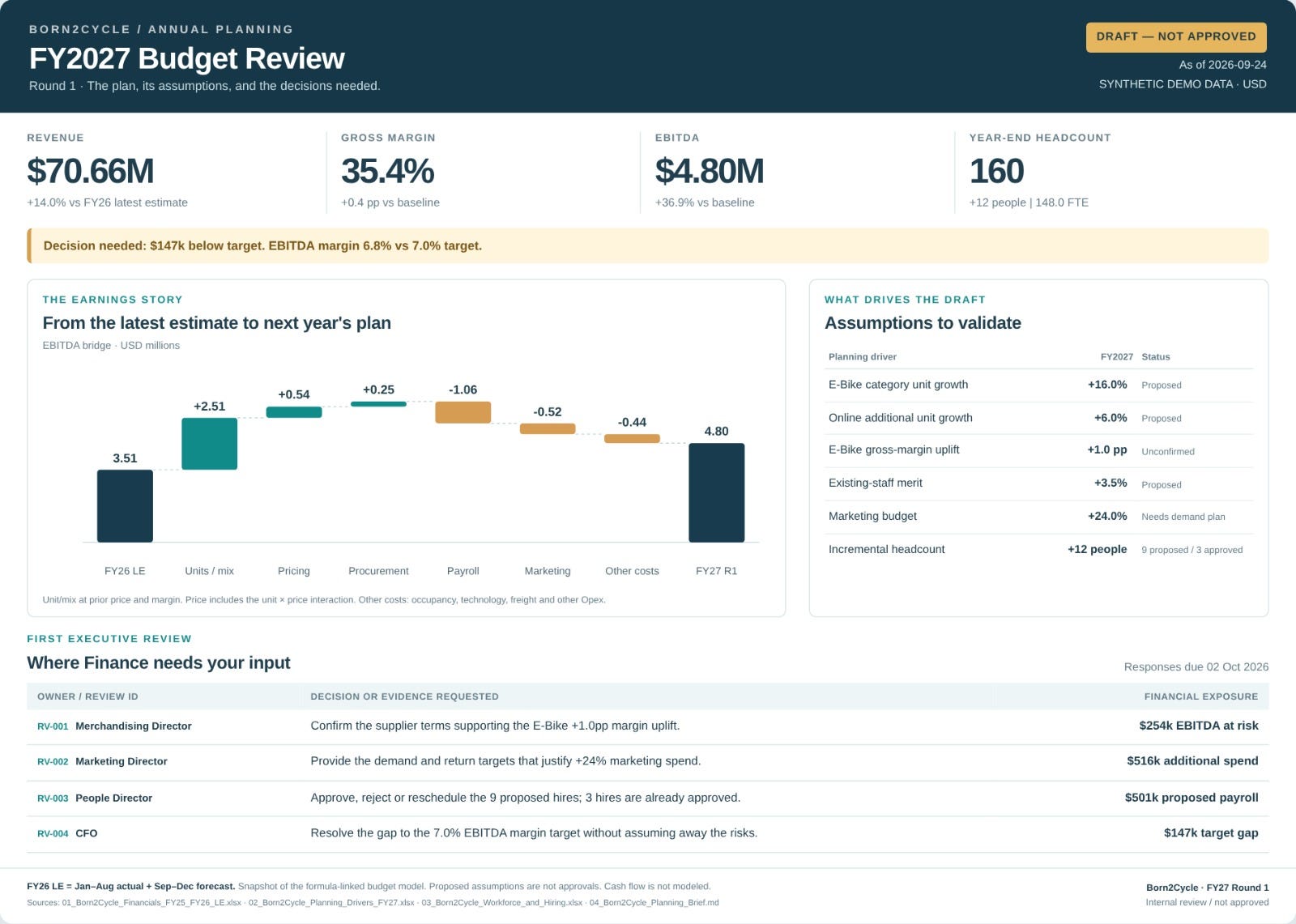
You can install it once on Claude. Drop in your actuals and drivers. Get a budget pack you can take to the exec team in 15 minutes.
Drivers.
P&L build.
YoY bridge.
Risks and decisions.
Decide this week.
I added rules for Claude.
Never invent numbers, flag missing drivers, flag stale actuals, and end on the calls that belong on this week’s calendar.
When a driver moves, you can rerun the Skill.
You do not need to rebuild the workbook from scratch every time.
In today’s letter you’ll get the Budgeting Skill and the full prompts.
Let’s dive in.
Download the Claude-Annual-Budget.skill below
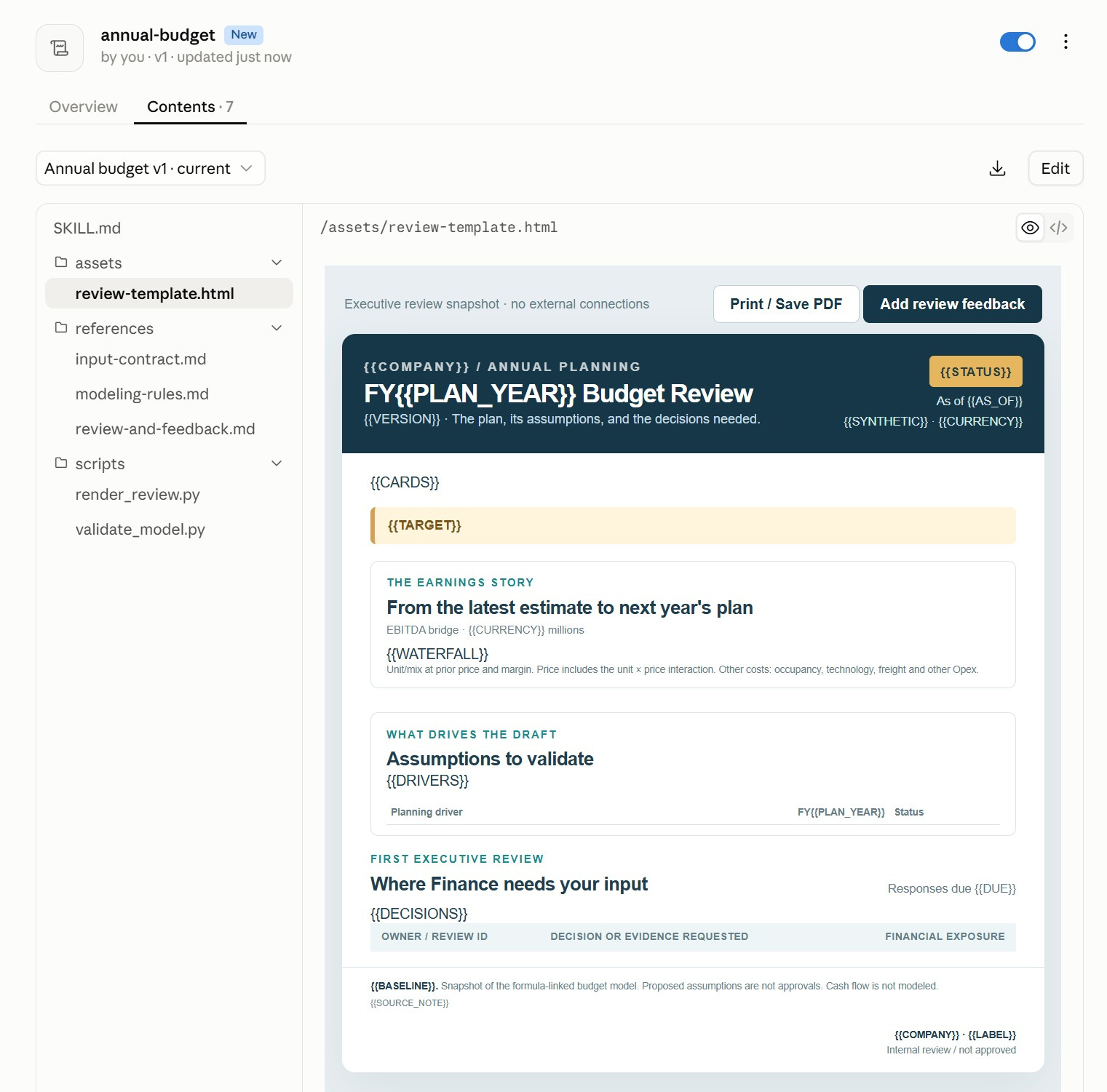
The skill breaks down the budget modeling process and includes a template for the Budget Review process. Download it below: