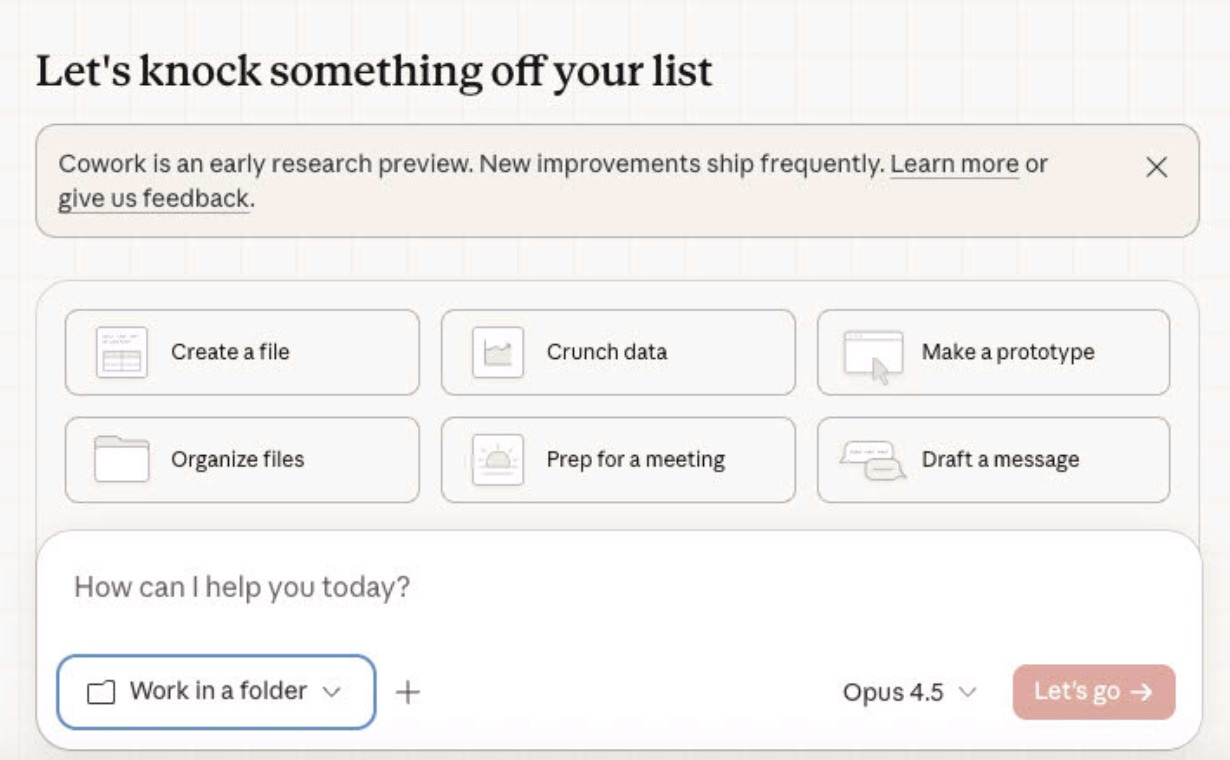
Anthropic just launched Claude Cowork.
It’s an AI agent that controls your desktop.
Until now you used AI as a chat box.
You paste context.
You ask a question.
You clean up the output.
But Cowork is different.
It can read your actual files, cross-check them, and generate new outputs inside that same workspace, like a real analyst sitting in your shared drive.
What’s really cool is Cowork can automate finance.
For example, a board pack can look clean and still be wrong:
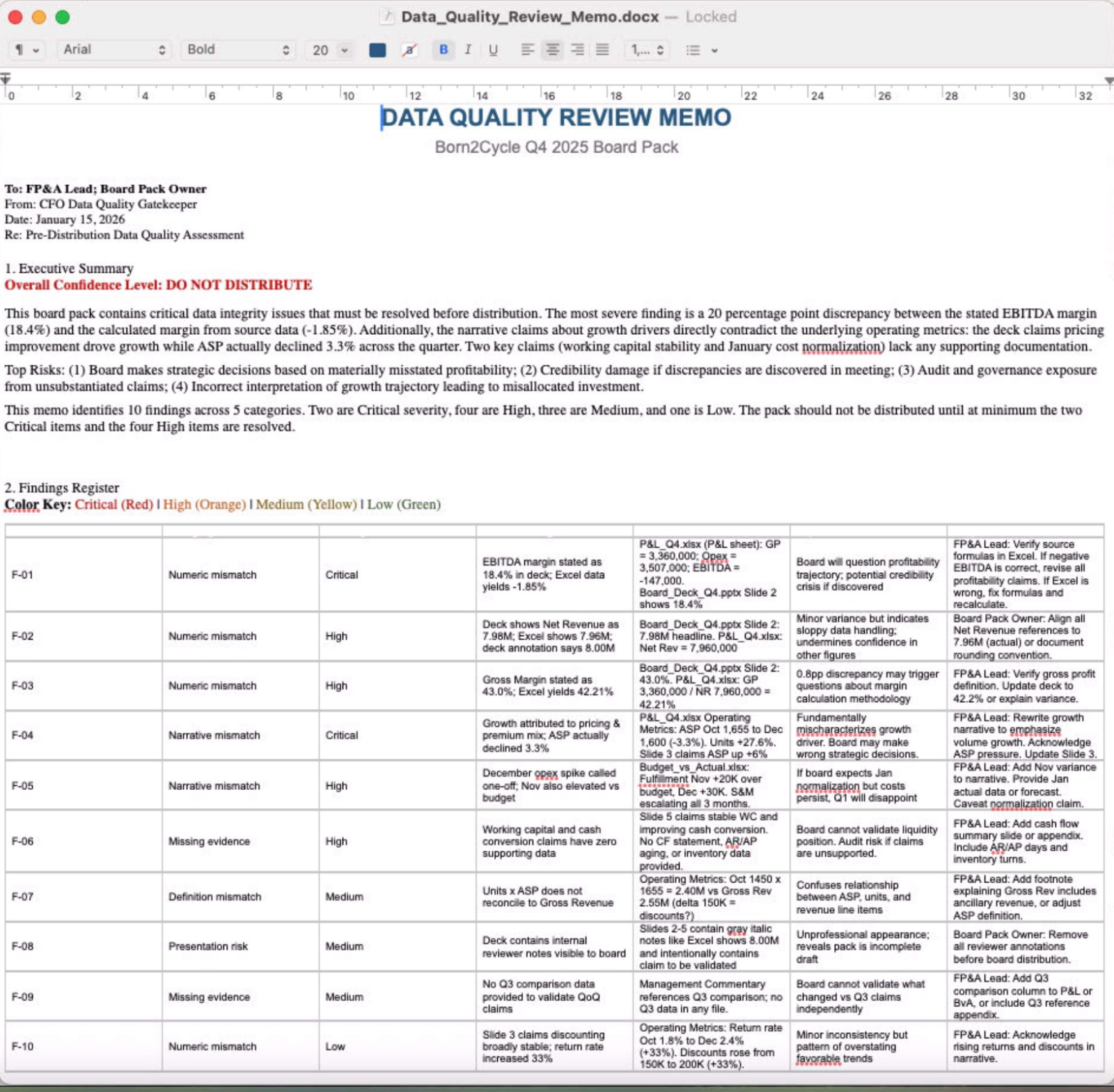
EBITDA margin stated on slide 6 doesn’t match the P&L tab.
“Pricing drove growth” shows up in the narrative with no bridge.
December opex is called “one-off” but the detail doesn’t support it.
working capital is described as stable while cash conversion quietly worsens.
So today I’m using Cowork as A Data Quality Gatekeeper.
If you’re a CFO or FP&A lead, you must pay attention.
AI doesn’t need to think harder anymore. It needs access.
I’ll show you how I used Claude Cowork as a second CFO and generated a memo. I’ll share the files and exact prompt you can copy/paste.
Let’s dive in.
How To Use Claude Cowork in Finance as Data Quality Gatekeeper
Files to upload
Cowork isn’t limited to a few uploads. It can work across thousands of files in a folder, create new files, iterate, re-check outputs against inputs, and clean up inconsistencies.