Anthropic just partnered with PwC to rebuild the entire office of the CFO with Claude. But most CFOs still use Claude the way they use ChatGPT. Here's the architecture the successful ones built, from
Anthropic partnered with PwC to rebuild the entire office of the CFO with Claude. PwC launched it as a new business group, the first standalone unit it has ever anchored entirely in one AI company's technology.
They ran Claude on their own books first, then started selling it, beginning with banking, insurance, and healthcare, where auditability is non-negotiable. The firm that audits your statements just built a business whose whole purpose is to run the finance work your team does today.
So the question stops being whether AI belongs in your finance function.
PwC already answered that. The question is whether you build it yourself or buy it back from them at a premium later. And here’s the uncomfortable part. Most CFOs can’t build it yet, because they’re using Claude wrong.
Here’s how you’re probably using it right now.
You open the app, upload your P&L, and ask what drove the miss.
You read the answer. It’s good, maybe even right. Then you close the chat, and Claude forgets your company exists.
Next month you upload the same files and ask again, and the answer comes back different. It always will. These models write a fresh response every time you ask.
So you’re not running a process.
You’re guessing with extra steps.
The CFOs getting real value out of Claude stopped doing that.
They built something underneath the chat window, and it changes everything Claude can do for them. It’s the same thing PwC built before they turned it into a business.
Glenn Hopper showed us exactly what that looks like.
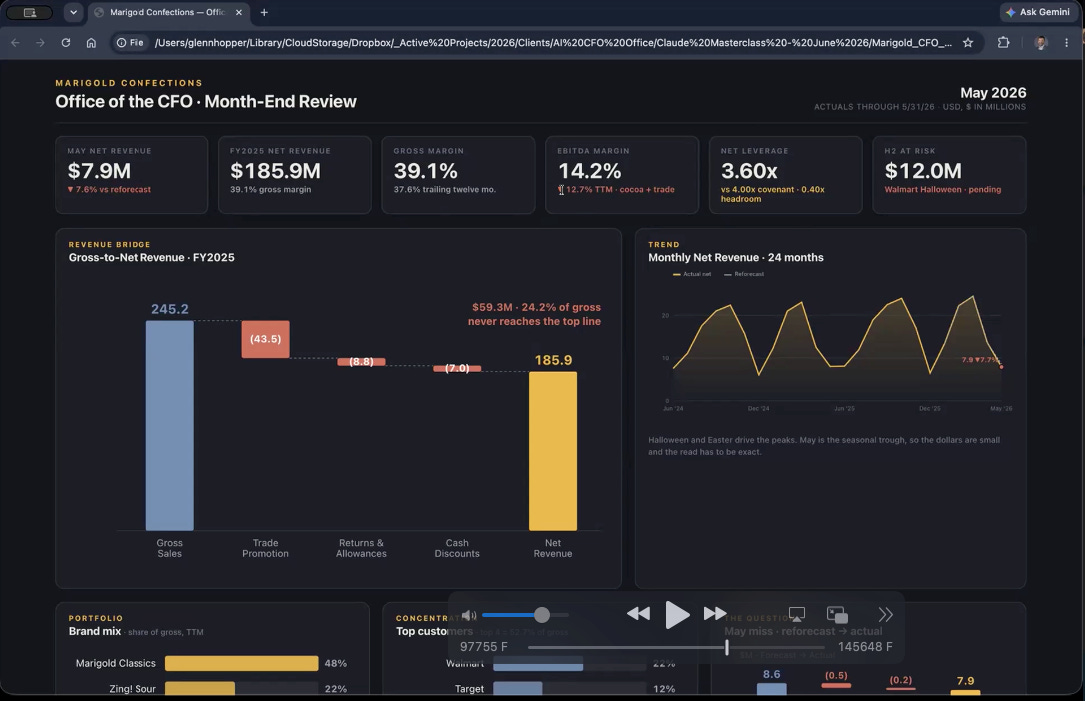
He ran a live session for our Insider members last Thursday. He is a real AI CFO that builds AI into finance teams for a living. He took one real month-end close and worked it all the way through with Claude, in front of the room.
Let’s dive in.
You need this one Claude rule before anything else
Start where Glenn starts.
One rule before any of the workflow.
Claude never gives you a number it can’t prove.
He writes it straight into the setup.
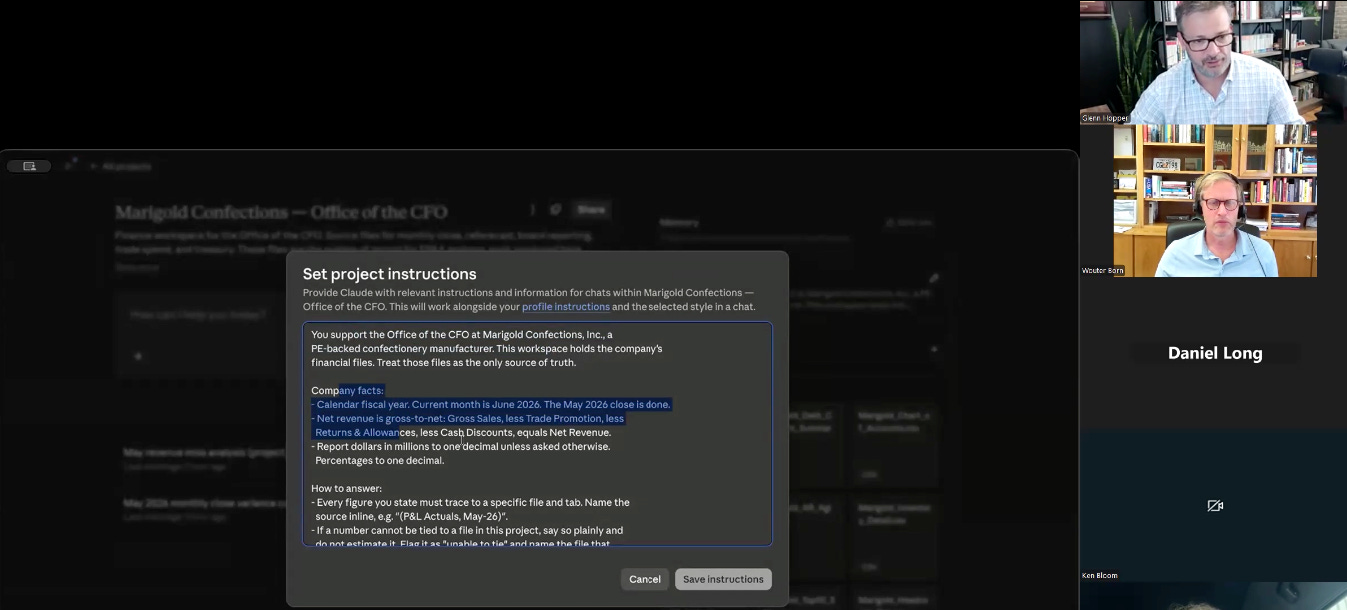
Cite the file, the tab, and the cell behind every figure. No number without a source. Don’t estimate, don’t fill gaps. If the support isn’t there, say so and flag it.
You need this rule as a CFO.
These models hallucinate around 12% of the time, and that barely improves as they get smarter. Claude wants to hand you an answer, even when it should tell you it doesn’t have one. You can’t wait for a better model to fix that. You fix it yourself by giving it the rule and the context.
That one rule is why Glenn’s Claude can touch a board pack and why yours, sitting in a bare chat window, can’t yet.
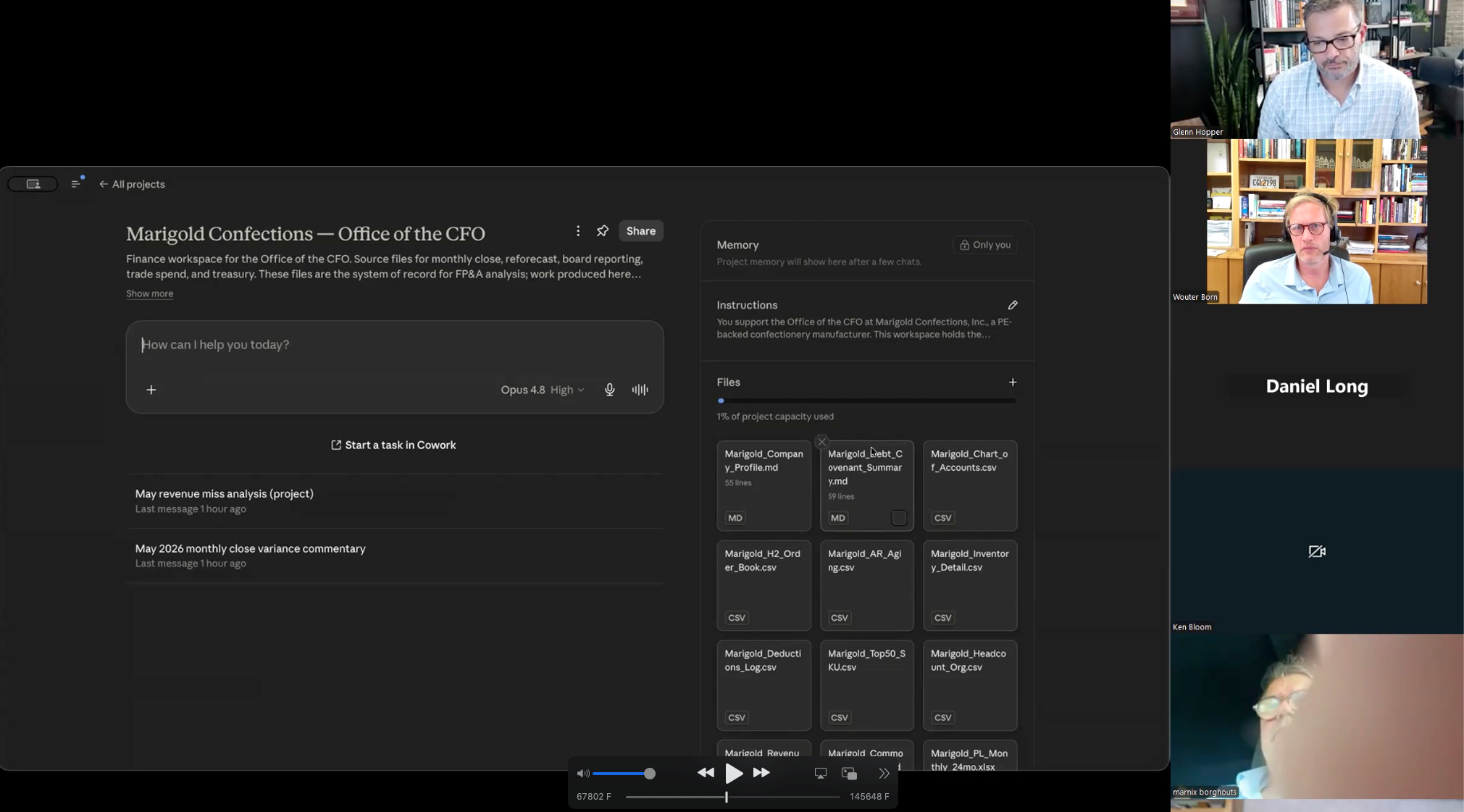
Every CFO must use Claude Projects, Skills, Connectors and Cowork
When you just chat, you start from nothing every time
Glenn builds with four pieces instead, and each one does a different job.
Projects
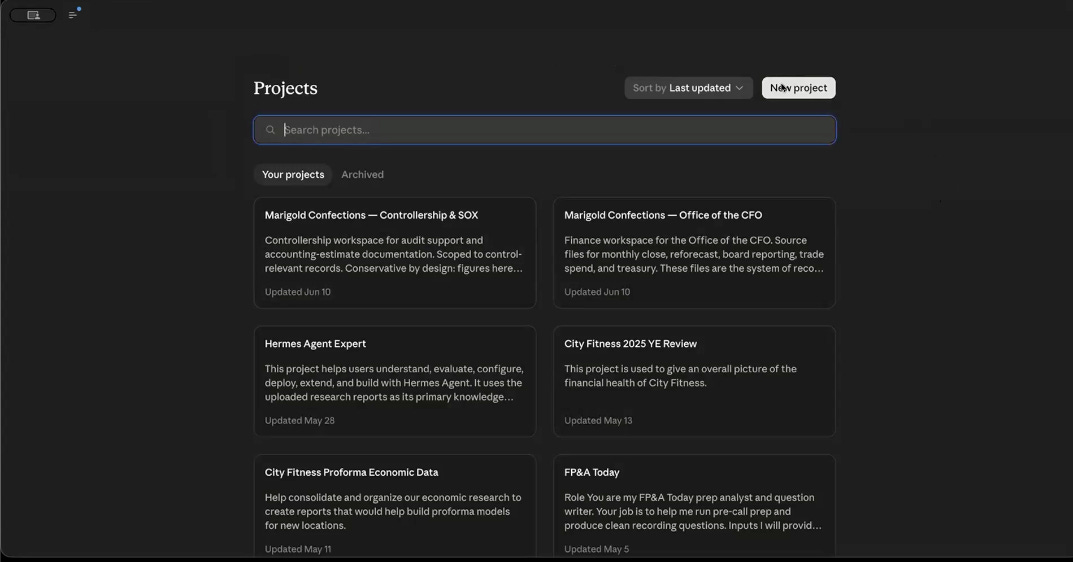
A Project holds your context for good. Your company facts, your data dictionary, how you define net revenue, what counts as returns, your fiscal calendar. Claude reads all of it with every prompt, so you never re-teach it what your company is. This is also where you park the rule. Cite every number, or flag it.
Skills
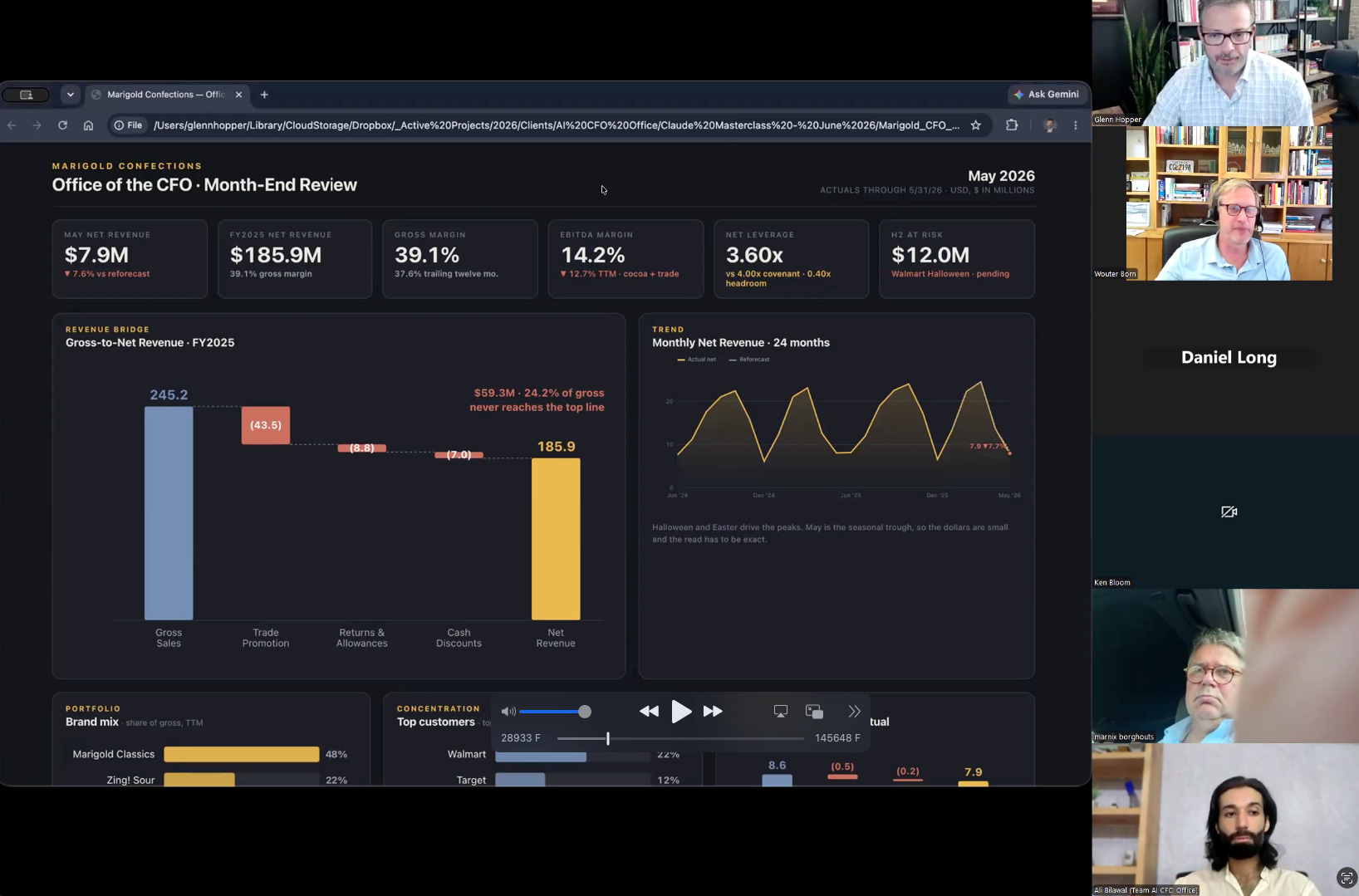
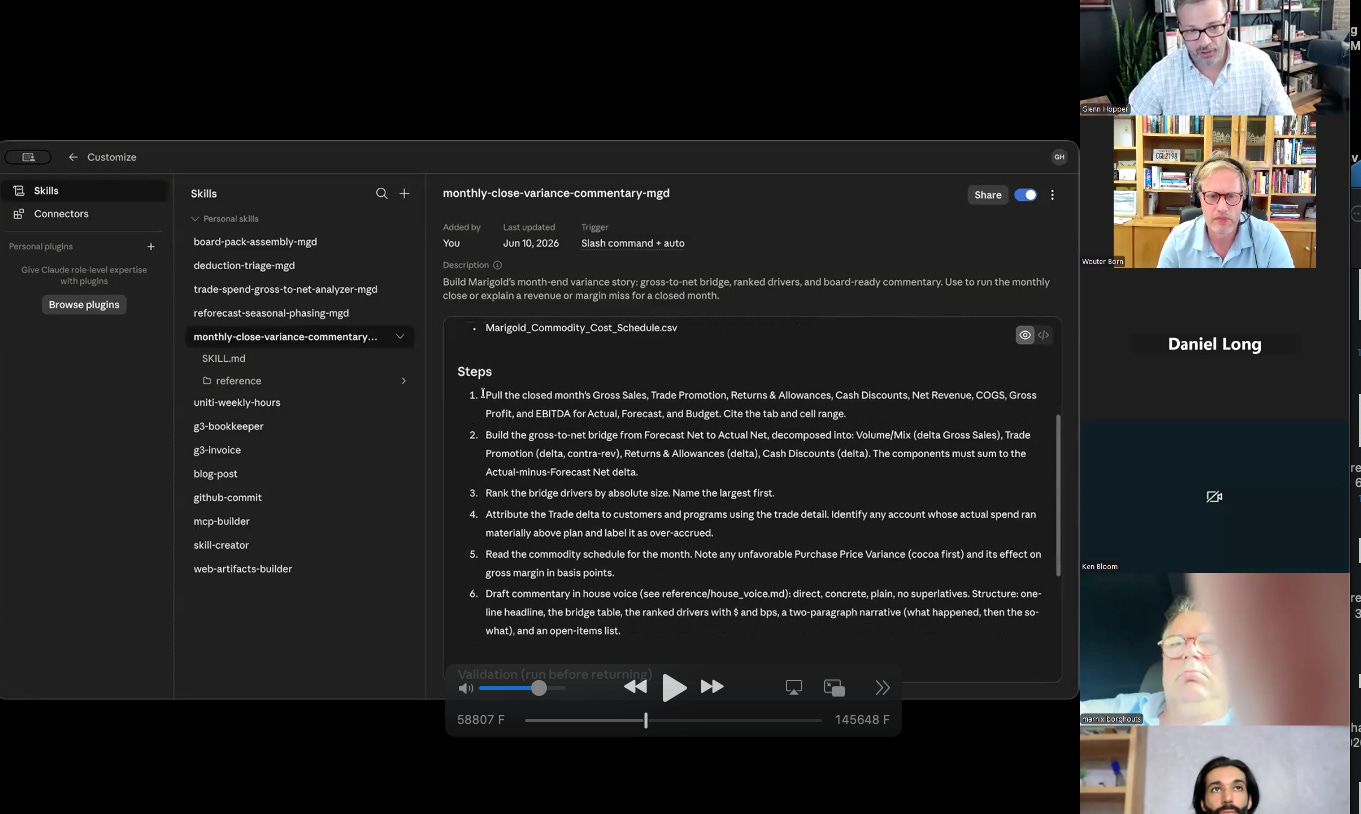
A Skill runs a task the same way every time. Your monthly variance commentary. Your reforecast. Your board brief. You build it once, and Claude pulls it on its own when the work calls for it. Glenn’s variance skill reads the 24-month P&L, reconciles the revenue, dissects the trade promotion, recomputes every figure in code, and hands back board-ready commentary with each number tied to its source. It does in one pass what used to take you an afternoon of copy-paste and chain-of-thought prompting.
Connectors
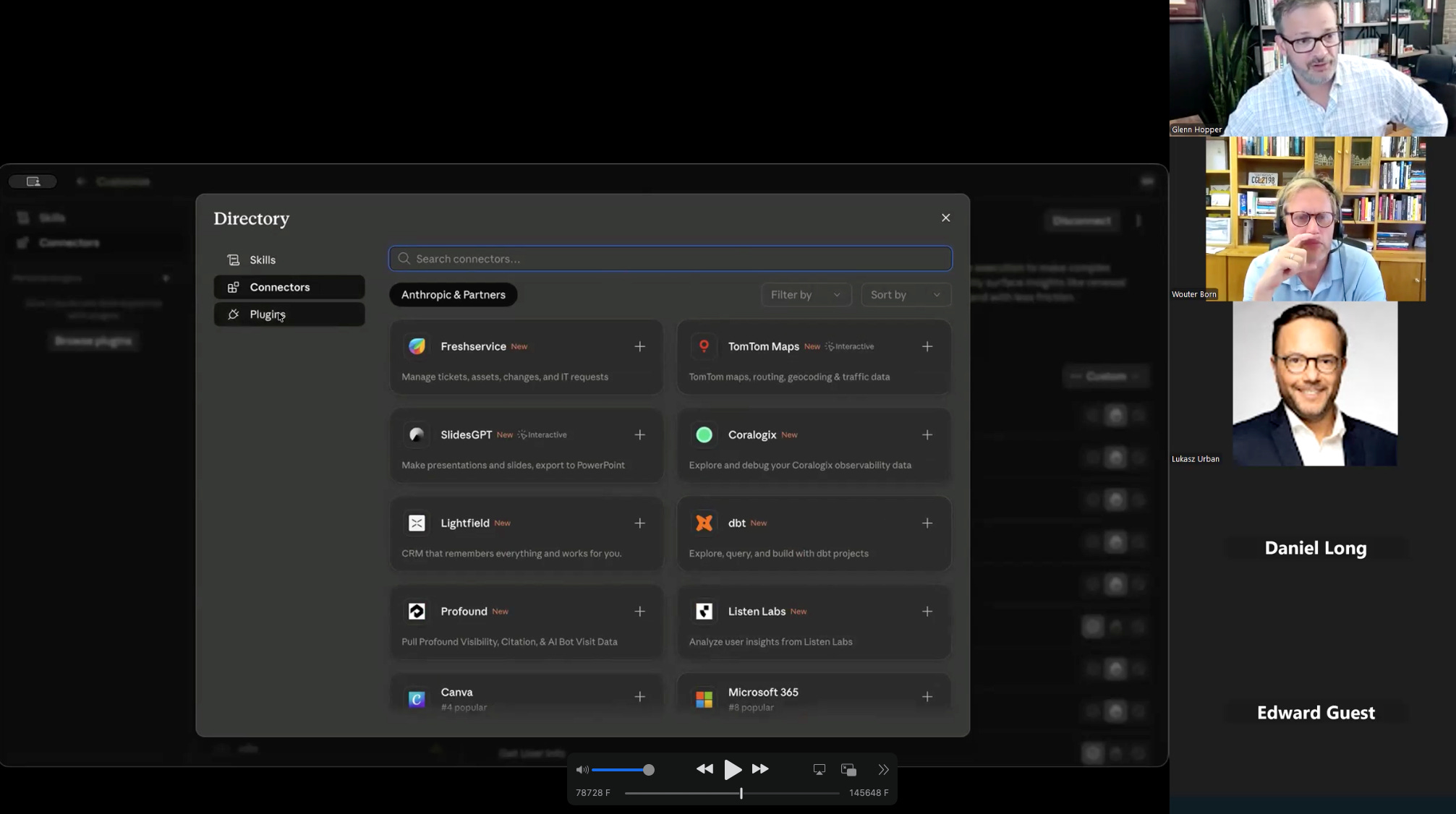
A Connector pulls live data straight from the source. Instead of uploading CSVs that Claude might misreconcile, you point it at NetSuite, Snowflake, QuickBooks, or your general ledger, and it reads the truth directly. Start read-only. Glenn told one nervous client the same thing: give it only the access you’re comfortable with, and a posted journal entry is far less frightening than a deleted ledger.
Cowork
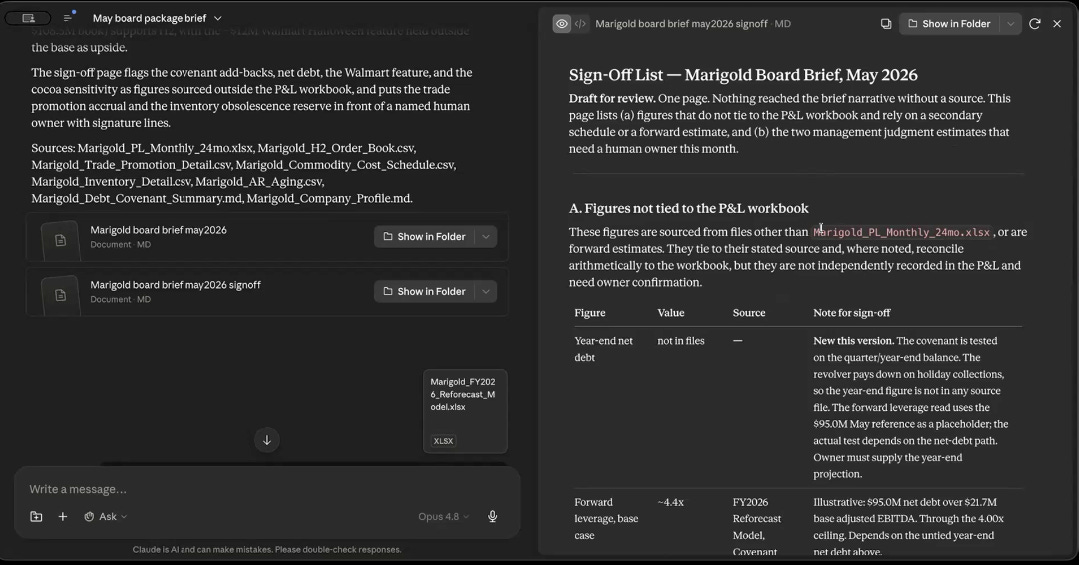
Cowork gives you something real to hand off. Not a chat transcript, but an auditable Excel file with the formulas showing the math, a board sign-off sheet, a forecast model your analyst could open and run. Cowork writes files to a folder, including a shared drive, so your team works in the same place. Glenn now spends more time here than in the chat window, because this is where the work actually ships.
Put the four together and you stop asking Claude questions. You start running a process that repeats every month and proves its own work.
AI needs a human to perform
Glenn drew the line with a line from Clifford Stoll.
Data is not information, information is not knowledge, knowledge is not understanding, understanding is not wisdom.
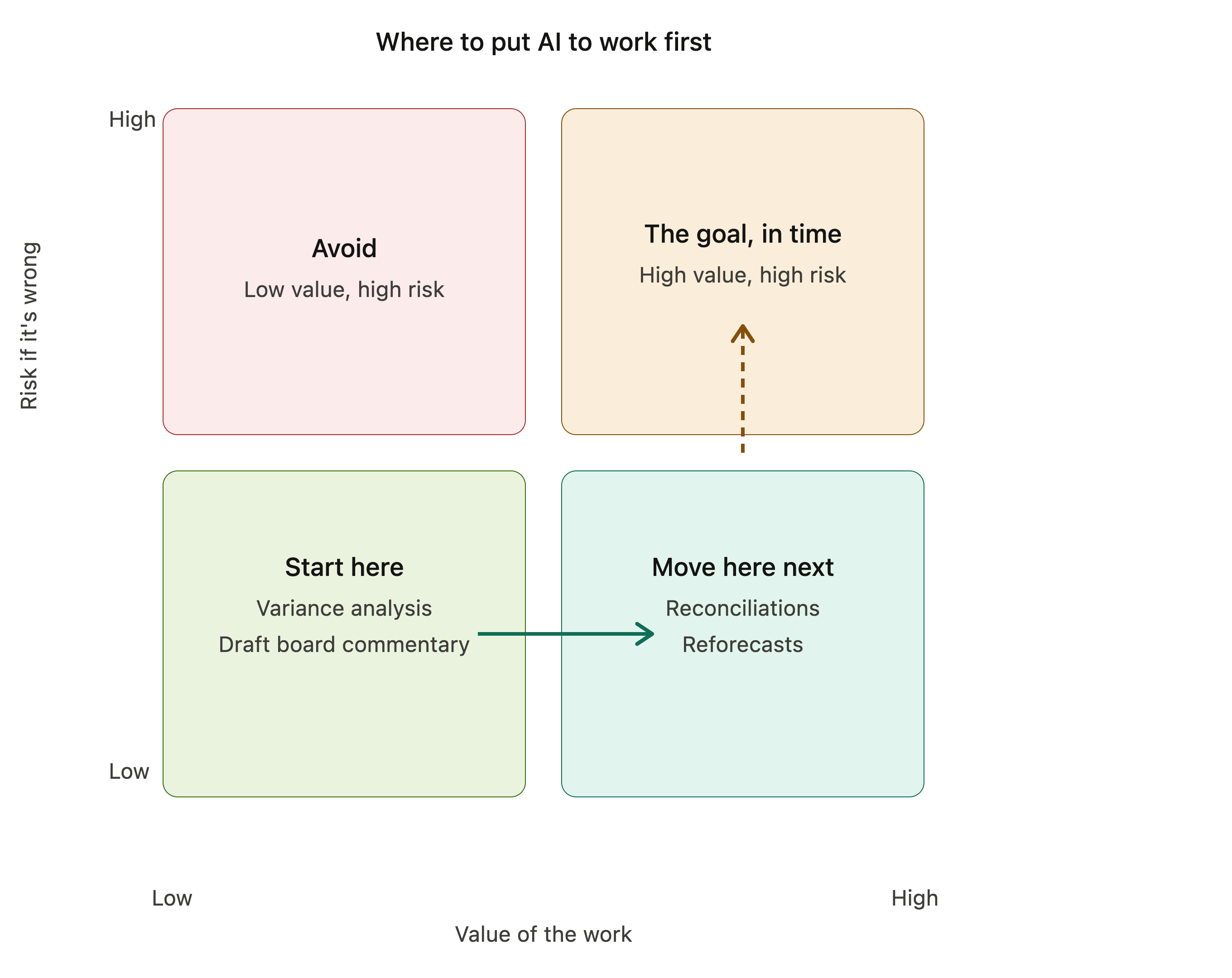
Down at the bottom of that chain, the grind of turning transactions into bridges and variance stories, let Claude run.
It has read more financial statements than you could in a hundred careers, and it brings that pattern recognition to your numbers in seconds. This is where it saves you real time and where you should put it to work first.
At the top, keep your hands on the wheel.
Don’t let it sign the financials. Spot-check it. Put a human owner on every output. And never let a number reach your board that traces back to, in Glenn’s words, the magic AI black box. You already live by this standard.
You can’t tell an auditor a number came from a broken calculator, and you can’t tell them it came from the AI either.
The automation does the work. You own the result.
This also tells you where to start.
Start with a process you can already write down, because the SOP you hand Claude today is what trains the agent you build tomorrow.
Watch the full recording of the live Claude Masterclass below
Insider members only
This post is for subscribers in the Insider Member plan