Every CFO has signed off on a number that looked fine and wasn’t.
The reconciliation ties out. The variance is tiny. You move on, because chasing a $240 difference across thousands of transactions is not where you spend a Thursday.
That is exactly how a clean number hides a dirty one.
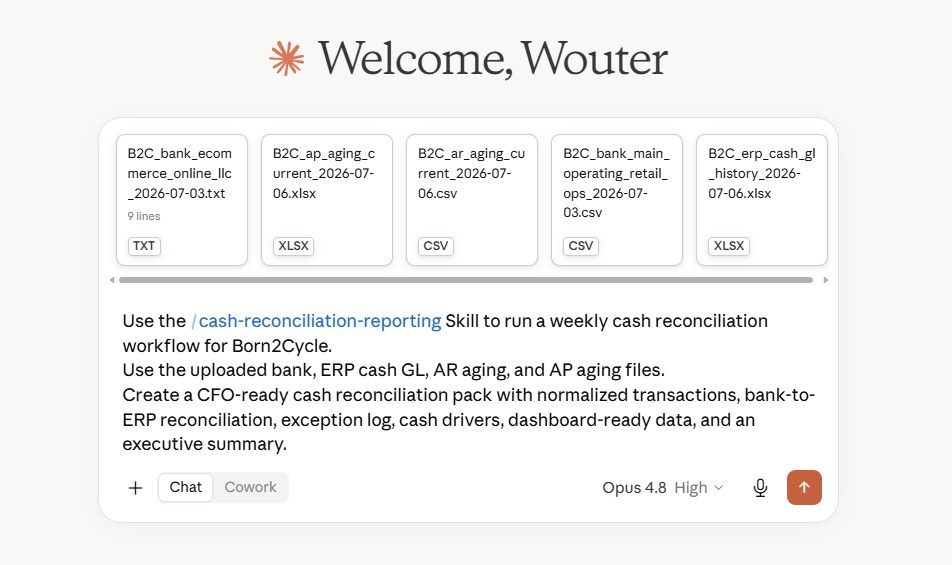
I just ran a weekly cash reconciliation for a demo company, Born2Cycle, through Claude. Bank file, ERP cash ledger, AR aging, and AP aging. The headline variance came back at $240. On a normal week, you sign that and move on.
But Claude refused to.
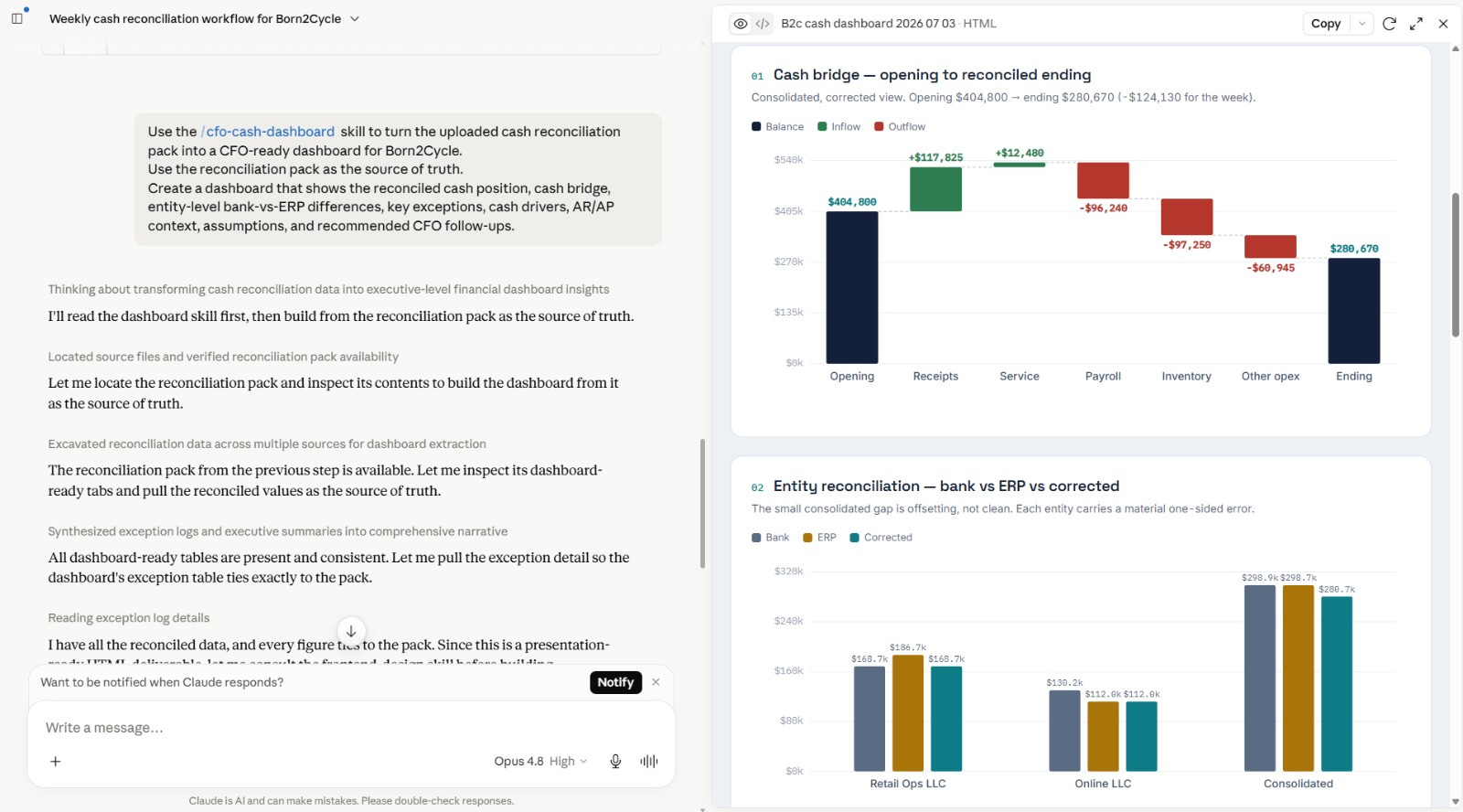
It found the $240 was not a small difference.
It was two large errors that nearly canceled each other out. An $18,000 rent payment that never made it into the ERP and a duplicated $18,240 Shopify payout sitting in the bank file twice. Netted together, they looked like a harmless $240.
Pulled apart, they were a missing expense and a double-counted deposit, either one big enough to matter to your board.
It did not ask me to take its word for it.
It handed me an Excel workbook with real formulas I could trace and check myself.
Claude worked like a real CFO analyst, caught what the clean number was hiding, and gave me the receipts to verify it.
In today’s letter, I will give you two CFO skills, the sample files, and the exact prompts, so you can run this and then start shaping it to your own numbers.
Let’s dive in.
Automate Cash Reconciliation and Reporting with Claude as a CFO
You need two skills.
cash-reconciliation-reporting.skill
cfo-cash-dashboard.skill
The first builds the controlled reconciliation layer.
The second turns it into the dashboard.
Both are below with the sample files and the prompts.