


Yesterday we hosted Glenn Hopper for a live insider session. Glenn has spent 20+ years in finance leadership and now runs robocfo.ai, where he builds AI implementations for the office of the CFO.
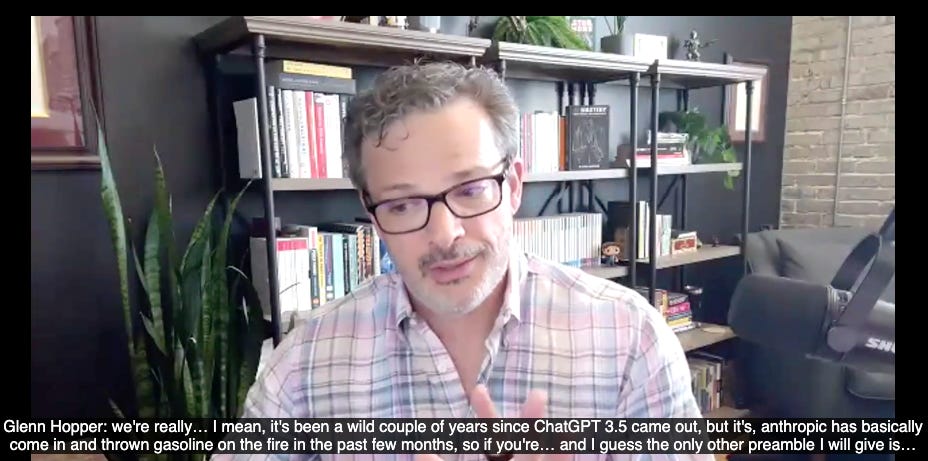
He walked us through his actual monthly reforecast workflow inside a Claude Project. Live. With a real dataset.
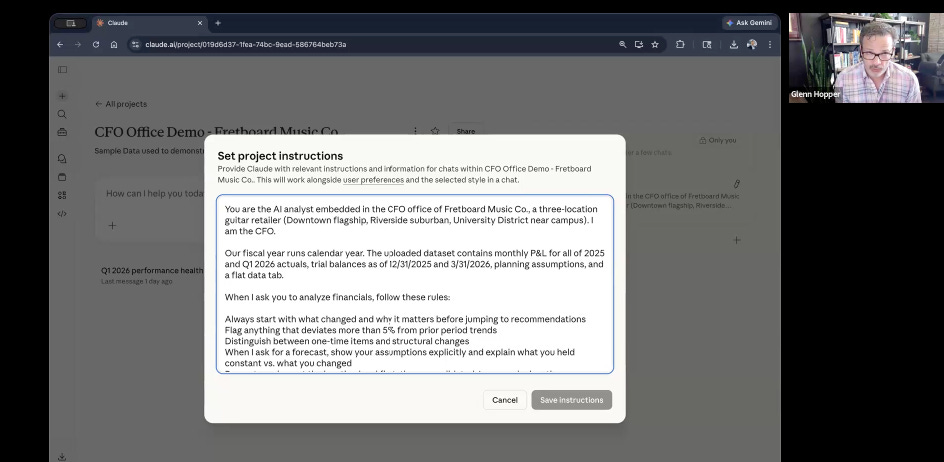
Glenn gave permission to share his exact prompts, the test file, and the full flow with our paid subscribers.
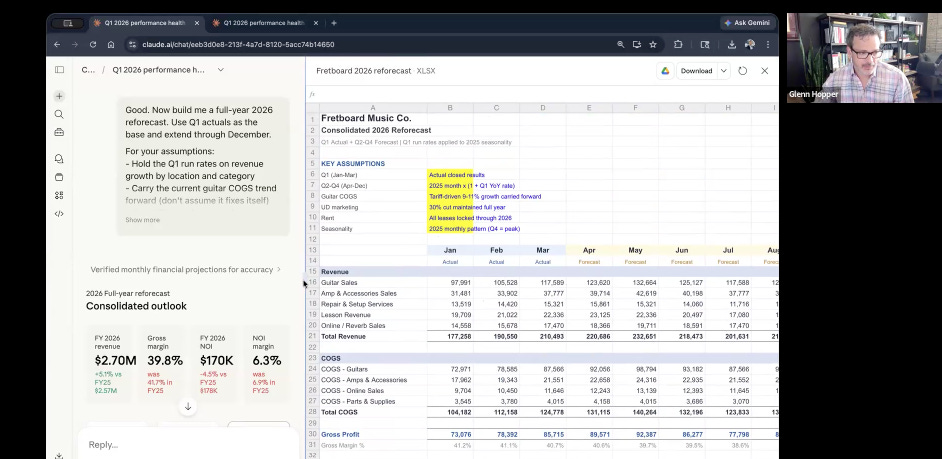
Here’s what he showed and all insider members found it super helpful.
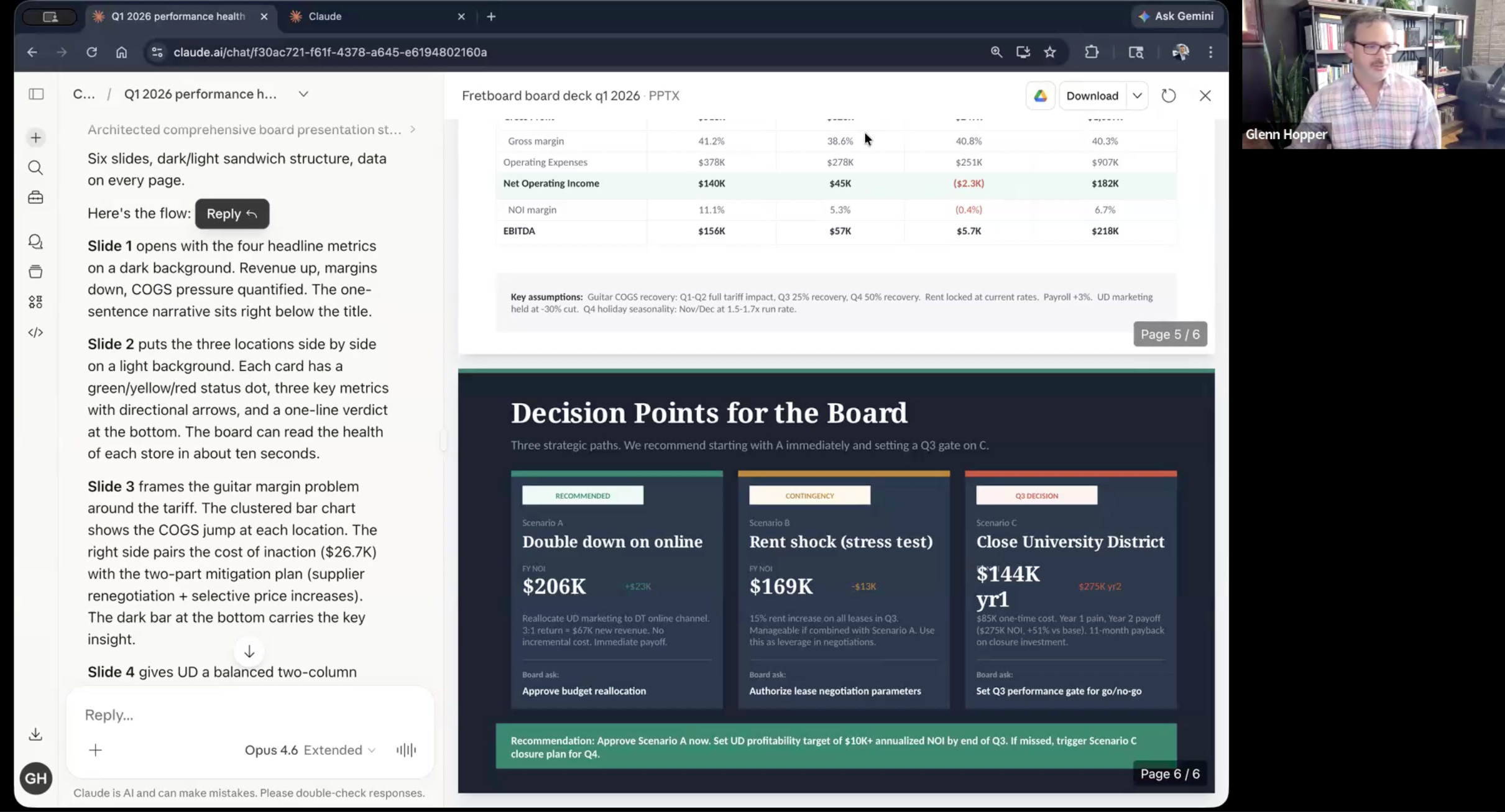
A complete monthly reforecast cycle inside a Claude Project, his exact custom instructions, 5 copy/paste prompts, the full dataset, and his honest take on where Claude saves time and where it doesn't.
Let’s dive in.
The Full Claude in Finance Setup
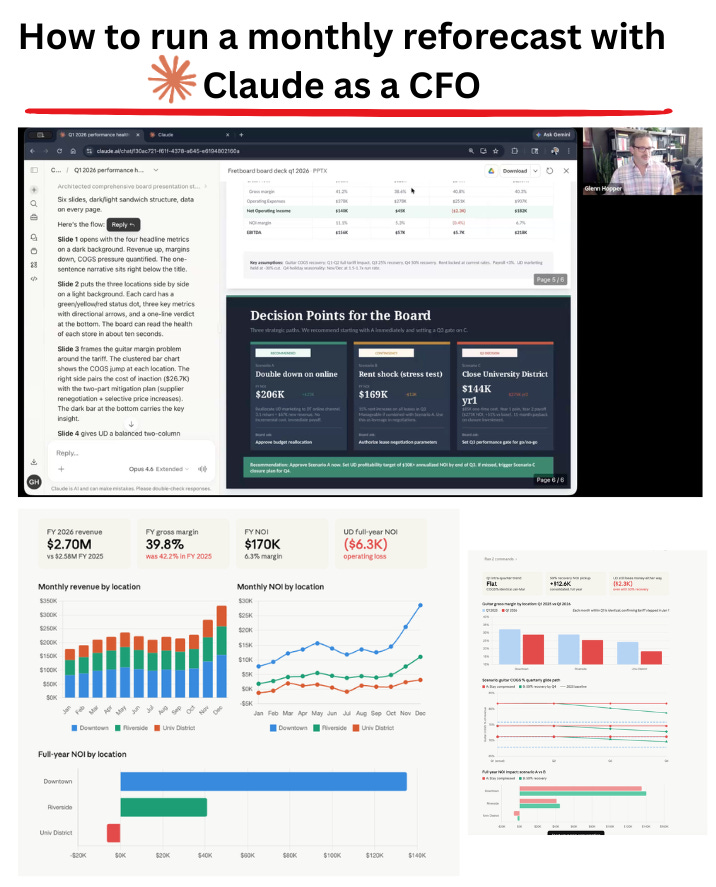
The full Claude walkthrough below is for paid members. It includes Glenn's exact custom instructions, all 5 copy/paste prompts, the Fretboard dataset, and the link to his live Claude conversation.