

Budget season turns finance into spreadsheet astrologers.
Everyone walks in asking for clarity.
But everyone walks out with:
6 quick tweaks.
14 follow-up analyses.
3 competing versions of the same plan.
and a decision that gets delayed anyway.
The real problem isn’t companies can’t budget.
The real problem is budget meetings are high-friction decision factories.
And friction is expensive.
Money loves speed.
Growth loves speed.
But budget season is built to produce slowness.
So I went ahead and built a Budgeting Review App for CFOs to decide faster.
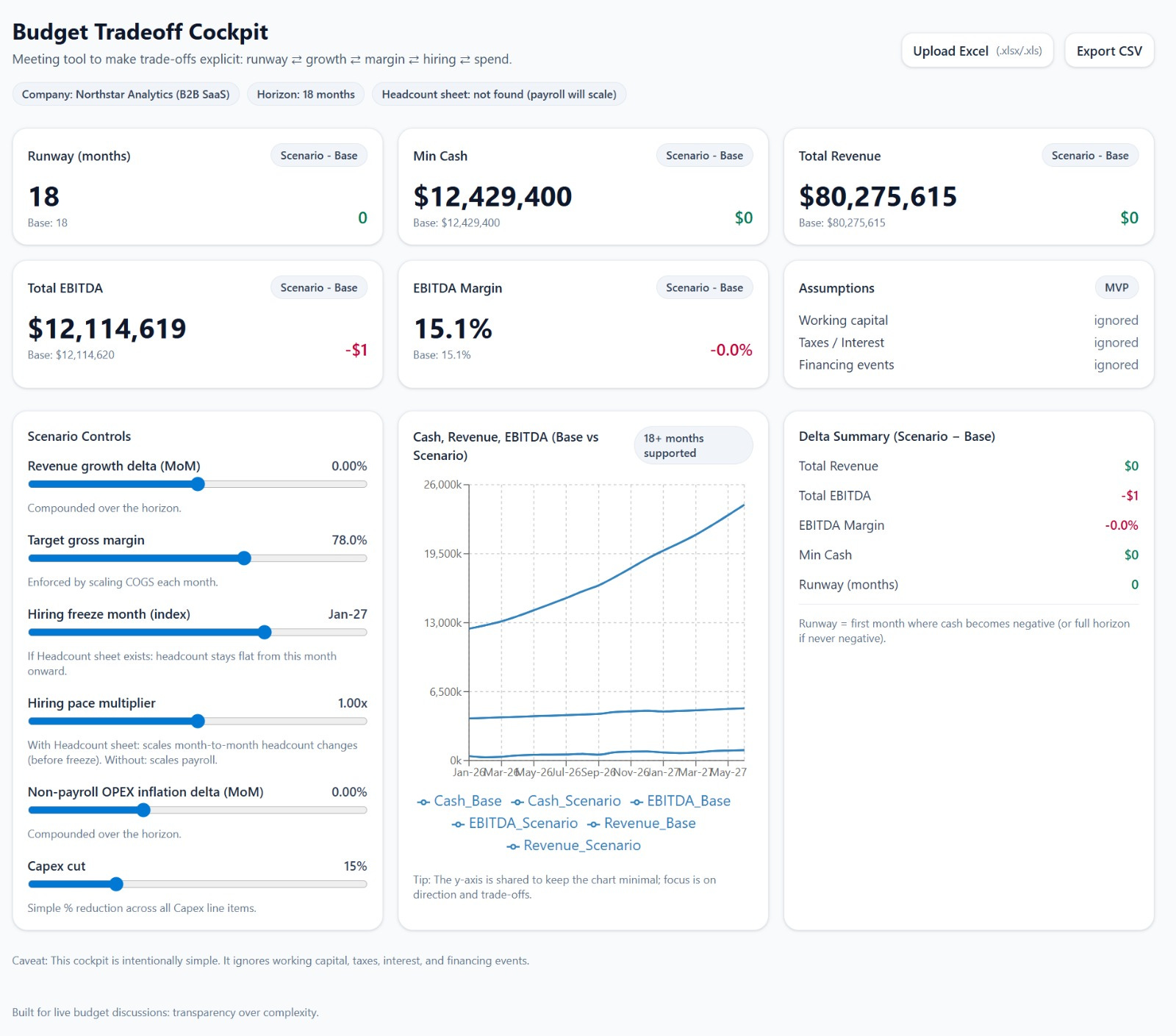
Take a look at the CFO Budgeting Decision App Live
Just in a while, I’ll share with you the exact ChatGPT prompt and the process I followed to build this budgeting review app in 5 minutes.
You must give it a try.
Let’s dive in.
Build Budgeting Review App With ChatGPT 5.2 in 5 Minutes
Open ChatGPT 5.2 and Select Canvas
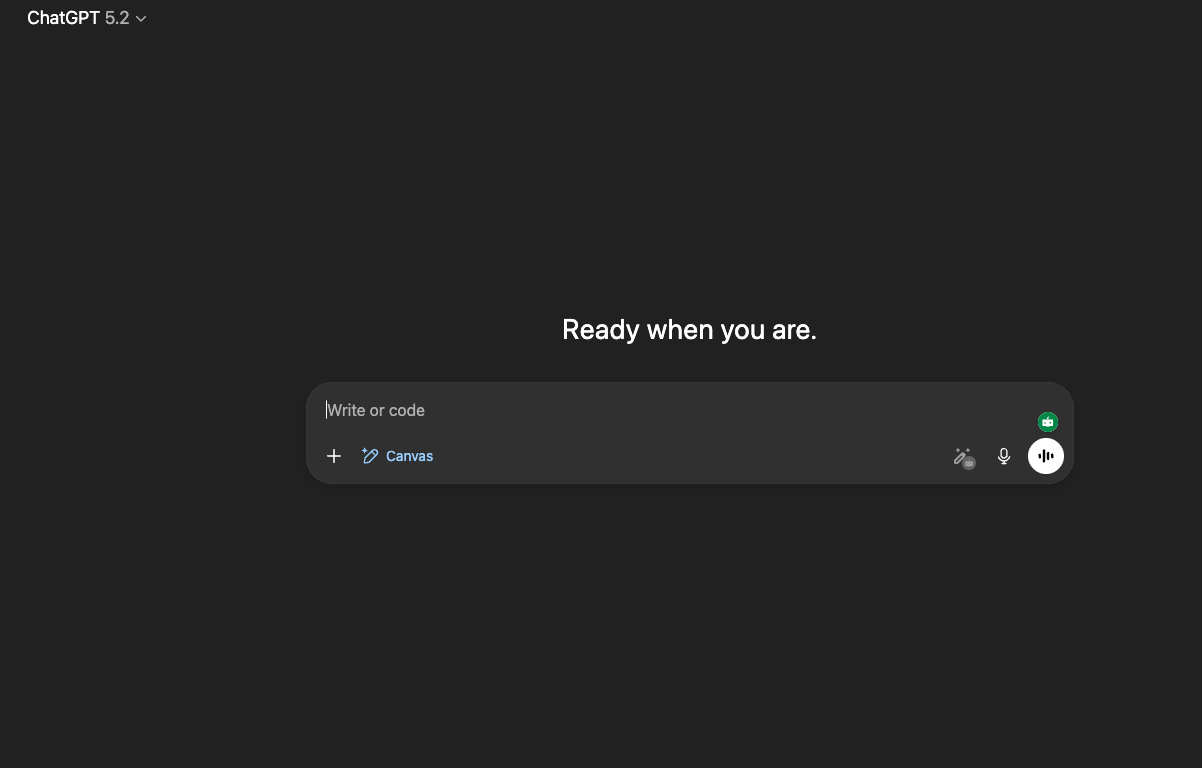
Make sure you’re on the 5.2 model.
Now enter the prompt to build an app for CFOs.
