

Gemini 3 Pro simulates a business like it’s a modern spreadsheet.
I used Gemini 3 Pro to build a CFO Decision Impact Simulator in 3 minutes. Imagine what a CFO with a real backlog of finance problems can build in a few focused hours.
The best part is everything runs locally in your browser so none of your company data is sent to Gemini or Google.
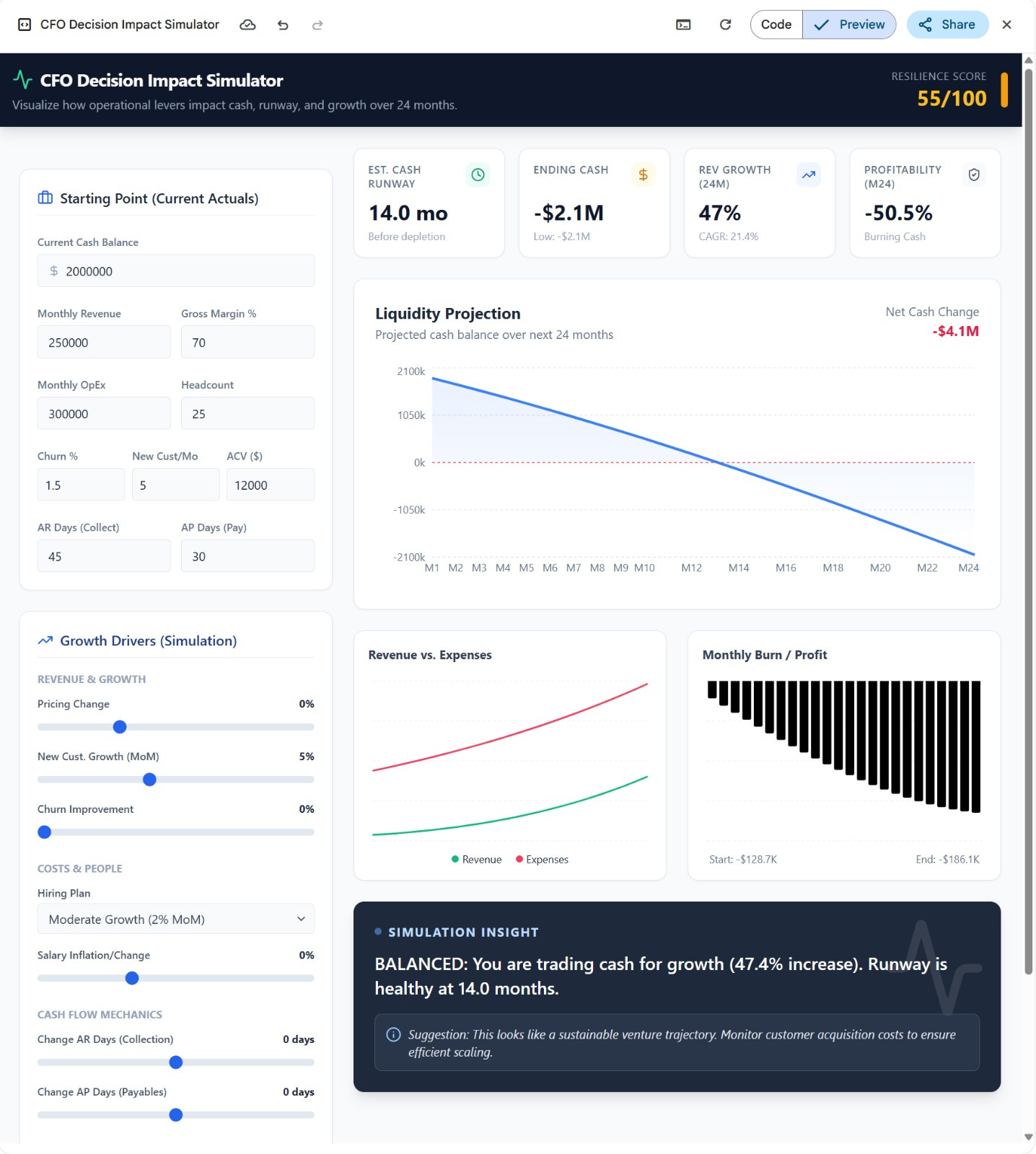
Take a look at the CFO Decision Simulator Live
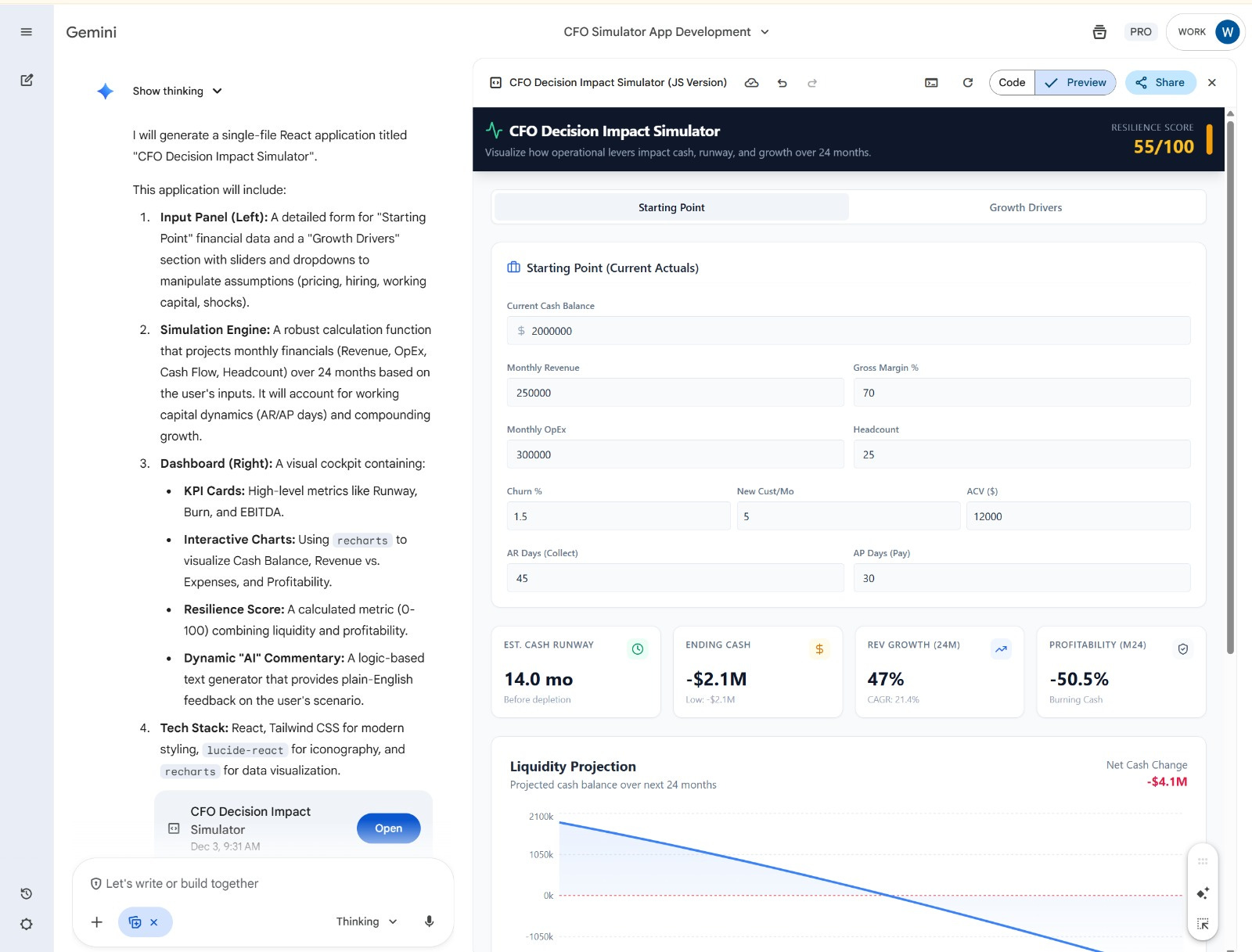
And here’s the wild part. You don’t need a paid plan.
This works on the free tier of Gemini with a basic Google login.
You can play with the growth assumptions, and the model dynamically updates, showing fresh insights the moment the metrics change.
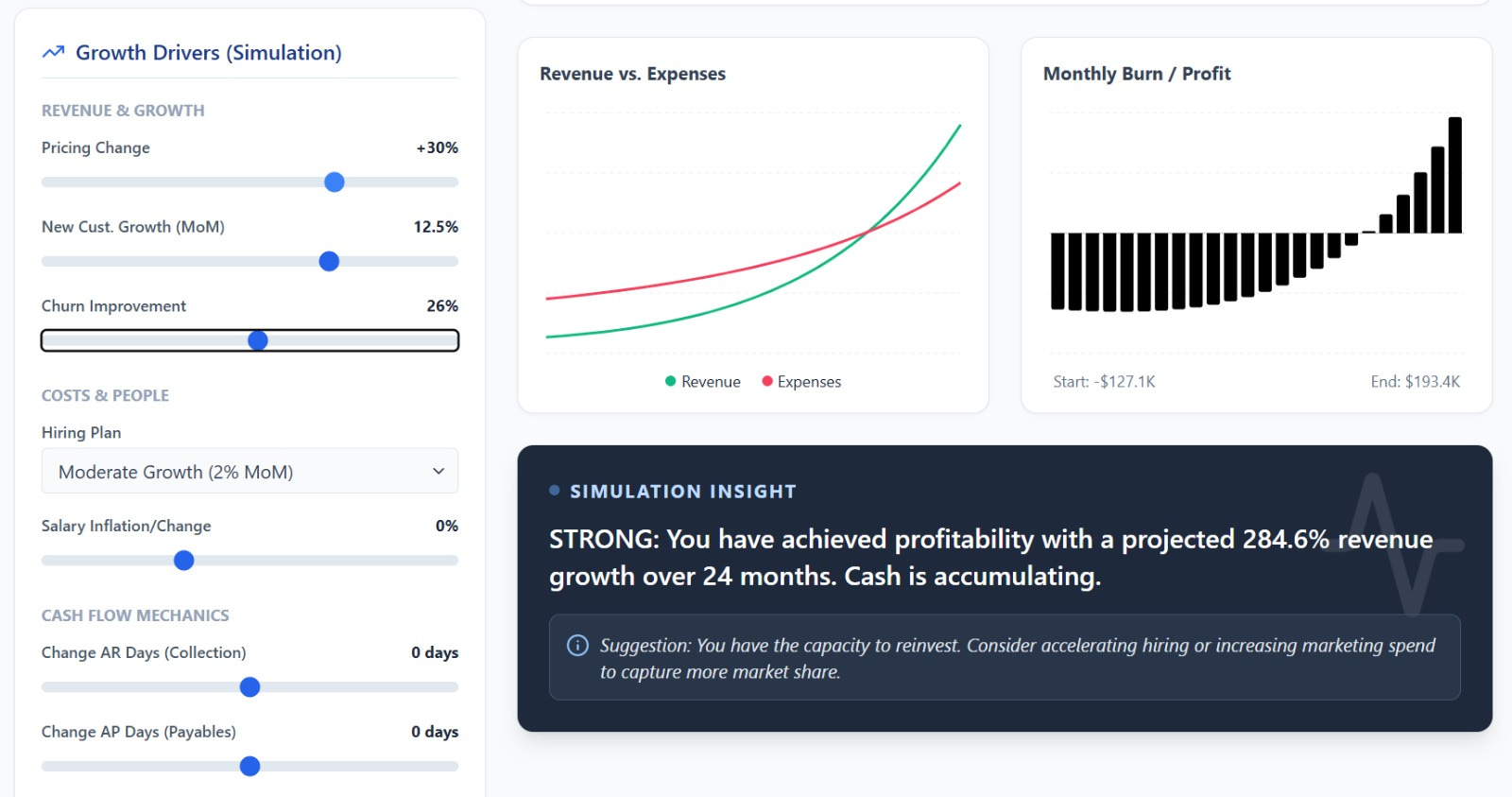
Read on to see the single prompt you can use to build an app for CFOs in Gemini 3 and how CFOs and FP&A teams can turn those prototypes into real, usable finance apps.
Let’s dive in.
How To Use Gemini 3 to Build an App for CFOs With a Single Prompt
Open Gemini and Select Build (Canvas)
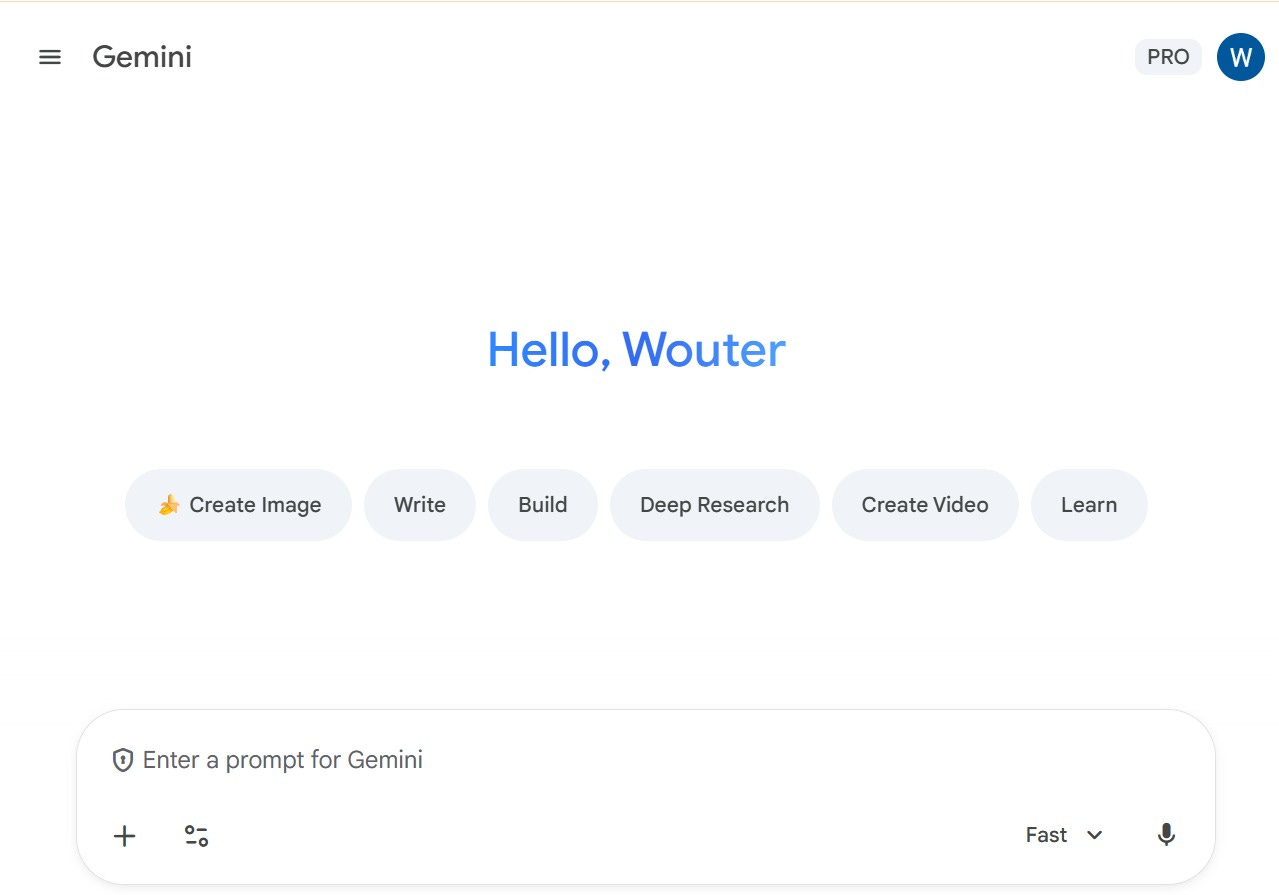
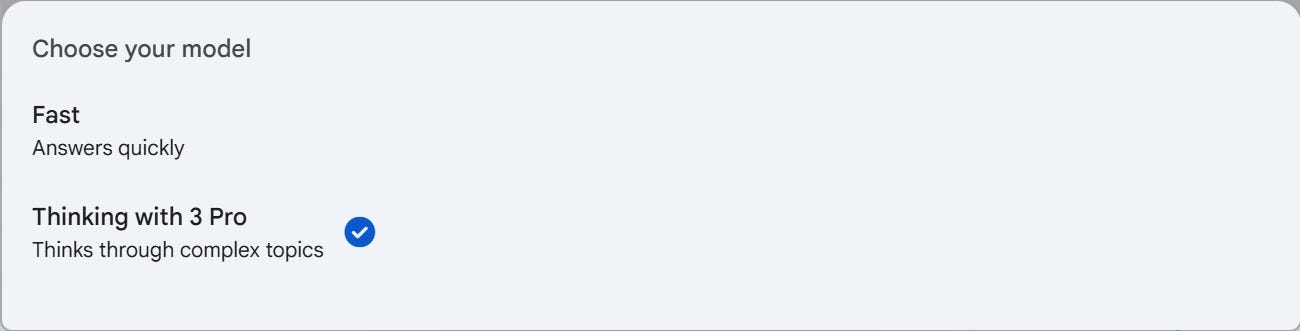
Pick the Thinking with 3 Pro Model
Now enter the prompt to build an app for CFOs.
